Your clipboard, with a memory.
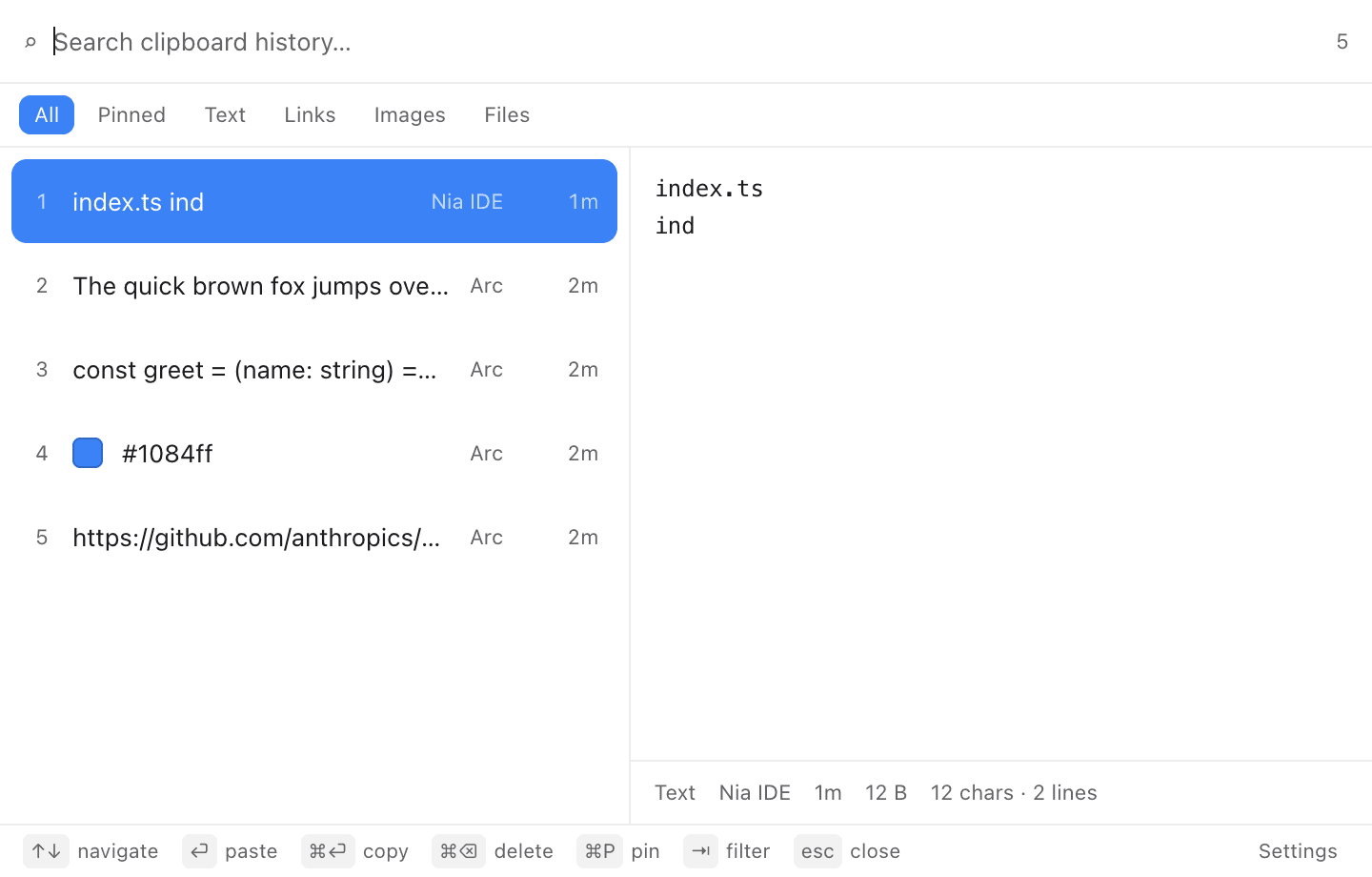
ClipStack keeps every copy — text, links, images, screenshots and files — in a searchable stack. Hit ⌘⇧V, find it, and it pastes straight back into the app you were in.
macOS 12 Monterey or later · Apple Silicon · 97 MB · Free and open source
Features
Small app. Enormous relief.
The clipboard has held exactly one thing since 1983. ClipStack fixes that without asking you to learn anything new.
Search, not scroll
Start typing and the stack narrows instantly. Filter by text, links, images or files without lifting your hands off the keyboard.
Pastes where you were
ClipStack remembers the app that was frontmost, hides itself and sends a real ⌘V. Enter is the whole interaction.
Images and screenshots
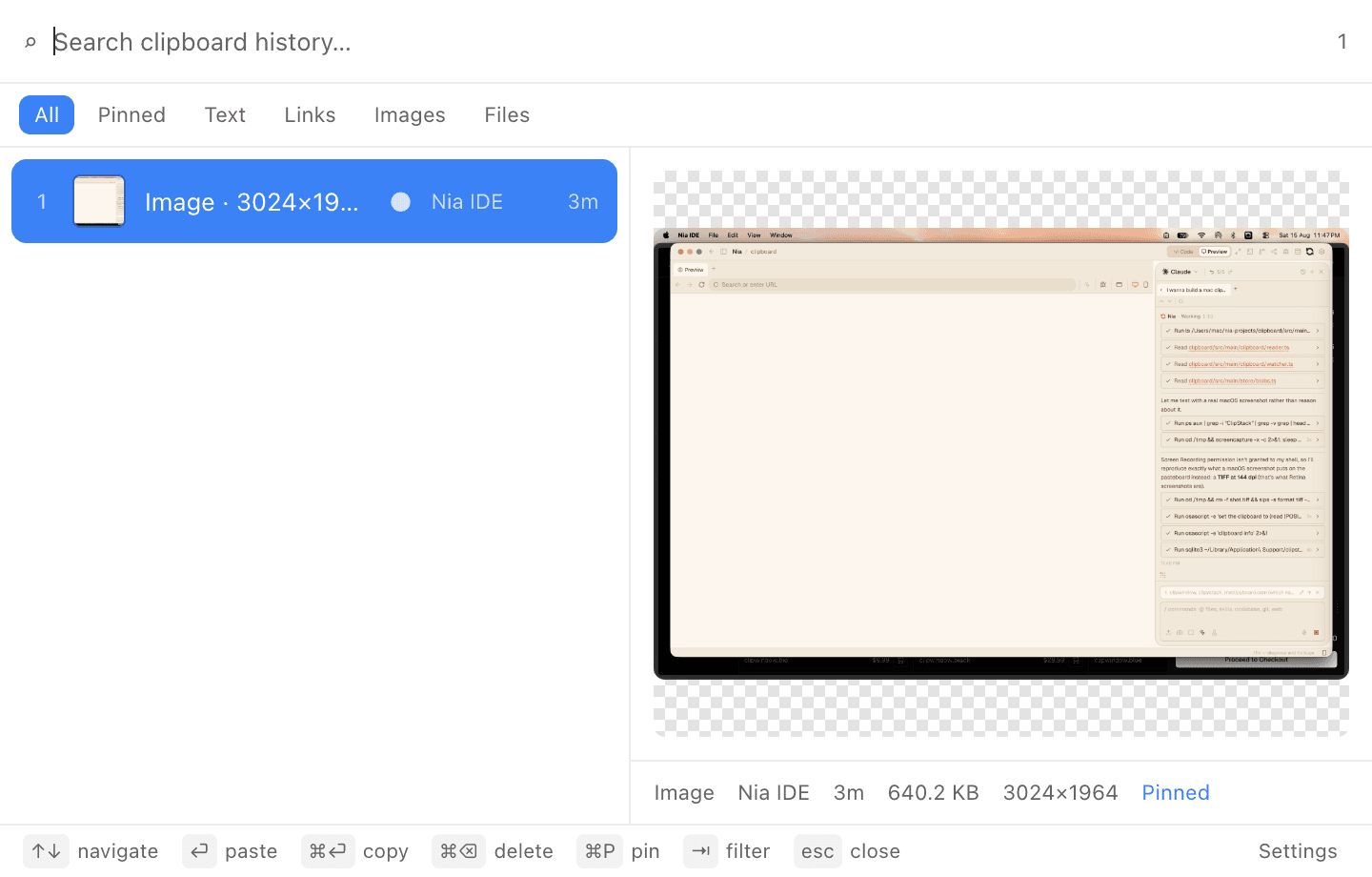
Retina screenshots are stored at full resolution with a thumbnail for the list. Copy a file in Finder and it lands in the stack too.
Nothing leaves your Mac
History lives in a local SQLite file. No account, no sync, no telemetry, no network calls of any kind.
Skips your passwords
Anything a password manager marks as concealed is ignored on sight. Pause capture whenever you want from the menu bar.
Lives in the menu bar
No Dock icon, no window in your way. A few megabytes of memory and an adaptive poll that idles when you do.
How it works
Three keys and it is done.
Open the stack
A frameless panel appears at your cursor, over whatever you were doing. Nothing loses focus but the keyboard.
Find it
Search across everything you have copied, or press ⇥ to jump between text, links, images and files.
Paste it back
The panel disappears, your app comes forward, and the item is pasted exactly where the cursor was.
Built for people who never touch the mouse
Every action has a key. Pin the snippets you reuse so they stay at the top, delete anything you would rather forget, and preview an item before you commit to it.
- ↑ ↓Navigate
- ↵Paste
- ⌘↵Copy only
- ⌘PPin
- ⌘⌫Delete
- ⇥Filter
- escClose
Privacy
Your clipboard never leaves your Mac.
A clipboard manager sees everything you copy — that is the whole job. So ClipStack is built so that there is no version of it that can leak: the code is open, and it makes no requests at all.
Local SQLite, nothing else
Your history is a file in Application Support. Delete the app and it goes with it.
No network code
ClipStack has no accounts, no sync service and no analytics. There is nowhere for your clipboard to go.
Password managers are respected
Items flagged as concealed or transient — what 1Password and Keychain set — are never recorded.
You set the limits
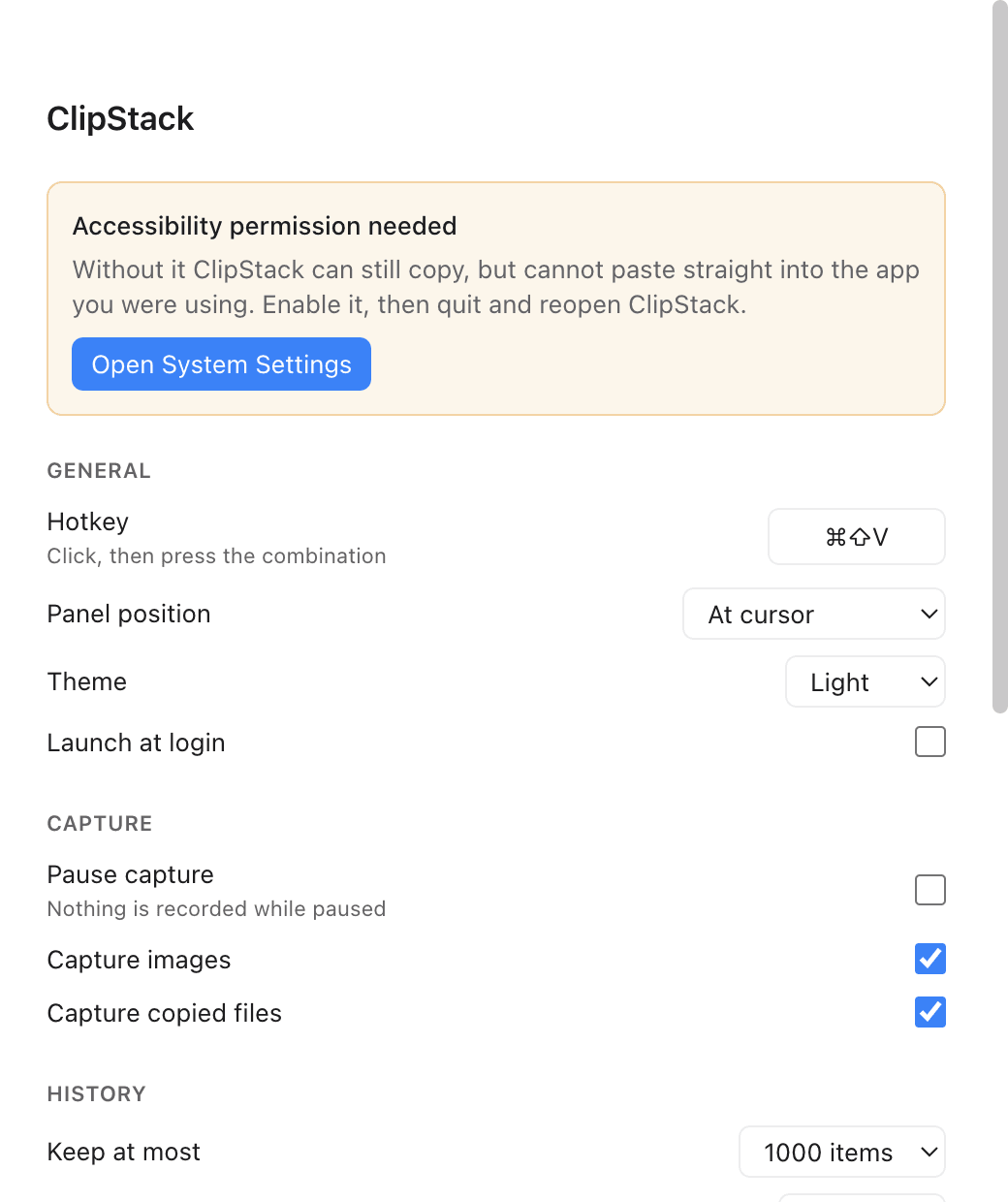
Cap history by count or age, pause capture from the menu bar, or clear everything in one click.
FAQ
Questions, answered.
Yes. ClipStack is free and open source under the MIT licence. There is no paid tier and no trial.
Sponsor
Free forever. Funded by people who use it.
ClipStack has no paid tier and never will. If it saved you an afternoon, a one-time thank-you covers the Apple Developer account that gets future builds notarized.
One-time, no account. Payment is handled entirely by Stripe — the card never touches this site.
Stop losing what you copied.
Free, open source, and about ninety seconds from installed to indispensable.
macOS 12 Monterey or later · Apple Silicon · 97 MB · Released Aug 15, 2026
Read the release notes